

- Cybersecurity at home: how to wipe data on different types of devices
- PassSecurium™ scalability: A password manager built for small teams — and ready for enterprise growth
Employee onboarding and offboarding in SMEs: Cybersecurity aspects you should not overlook
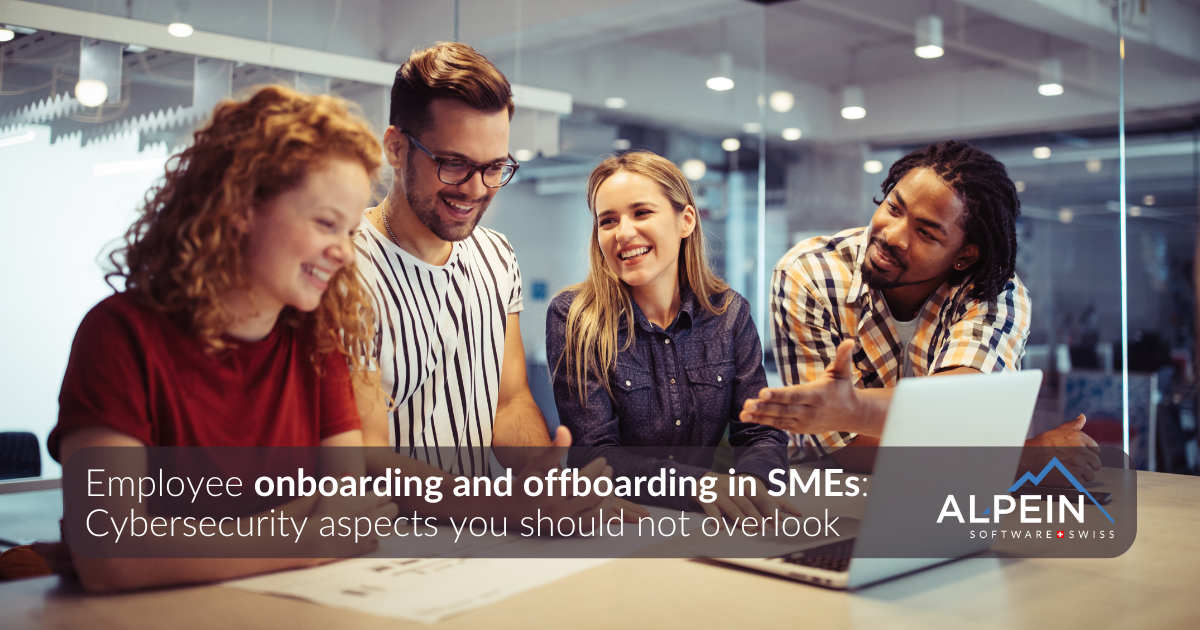
Read our article to learn simple, actionable recommendations that will significantly reduce your business’s cyber risks.
Employees are the backbone of daily operations for many small and medium-sized enterprises (SMEs). Each new hire contributes to growth, but also introduces a new digital entry point. Likewise, when an employee leaves, forgotten access rights or unreturned devices can silently expose the business to risk.
In SMEs, where IT resources are often limited, structured onboarding and offboarding are essential components of strong cybersecurity, not just HR processes. This article provides SMEs with a clear, practical overview of how to keep their data, systems, and operations secure.
Why onboarding and offboarding matter for cybersecurity
Every employee interacts with company systems, such as email, cloud platforms, SaaS applications, communication tools, shared folders, VPN access, and sometimes even admin interfaces.
Without a consistent access management process, SMEs face risks such as:
- orphaned accounts remaining active after offboarding
- unauthorized access to files, credentials, or customer data
- shared passwords that cannot be revoked
- business continuity issues when access is lost or deleted
- data leakage through personal devices (BYOD)
A well-designed process from the first day until the last helps prevent these issues.
Part 1 — Secure employee onboarding
Onboarding provides the best opportunity to establish healthy security habits and assign the correct access rights. SMEs benefit greatly from a structured approach.
1. Prepare secure devices before day one
Before the employee starts, the IT department should provide and configure the following:
- a company-owned laptop or PC
- a managed smartphone (if applicable)
- endpoint protection (antivirus, EDR, and device encryption)
- VPN or secure remote access
- a pre-installed password manager
- automatic updates and restricted admin rights
Why it matters:
Reducing setup improvisation prevents insecure workarounds such as installing software from unknown sources or saving passwords in browsers.
2. Create personal work accounts – never shared credentials
Each employee must have their own:
- email account
- cloud accounts (Microsoft 365 / Google Workspace / etc.)
- access to internal tools
- password manager user with shared vaults/folders needed for their work
Avoiding shared logins makes access traceable and revocable.
Apply the principle of least privilege
Grant access only to the tools and resources necessary for an employee's role.
This limits the damage if an account is compromised.
3. Enable multi-factor authentication (MFA) immediately
MFA should be a mandatory step in the onboarding process, not optional.
This applies to:
- VPN
- password manager
- administrative tools
- cloud services
Passkeys:
Where supported, enable passkeys as an authentication method. Passkeys provide a phishing-resistant, passwordless login experience that uses biometrics (Face ID, Touch ID, or Windows Hello) or a hardware token. Passkeys are significantly more secure than SMS/email one-time codes or traditional passwords.
Why? MFA and passwordless access prevent most credential-based intrusions, even when passwords are leaked.
4. Set up structured access management
Use a password manager or identity and access management (IAM) system to assign access to:
- access to SaaS tools
- shared logins (read-only or write)
- project-specific credentials
- API keys
- Wi-Fi passwords
- vendor logins or CRM access
All access should be documented and auditable.
5. Provide basic cybersecurity awareness training
A 20–30 minute training session is enough time to cover the essentials:
- recognizing phishing
- proper password hygiene
- safe use of the password manager
- reporting suspicious emails or activity
- rules for remote work
- secure handling of documents
- how to request new access securely
Early training reduces the likelihood of making accidental security mistakes later on.
Part 2 — Secure employee offboarding
When an employee leaves, cybersecurity risks increase dramatically if offboarding steps are overlooked. SMEs should treat offboarding as a coordinated effort involving HR, IT, management, and security.
Offboarding should always occur on the employee’s last day.
1. Disable accounts and revoke access
Critical steps include:
- remove access to SaaS accounts (CRM, project tools, HR software)
- disable or suspend email – do not delete it prematurely
- revoke VPN and remote access
- remove from shared password manager groups or IAM roles
- invalidate tokens, API keys, and app authorizations
Email tip:
Change the password instead of deleting the mailbox.
Configure:
- email forwarding (if legally permitted)
- auto-reply
- delegated access for the successor
2. Update shared credentials
If the departing employee had access to shared logins:
- change the passwords immediately
- update them inside the password manager
- reassign ownership to the relevant team
Shared credentials are one of the most common security gaps.
3. Recover company devices and data
Collect all company-owned devices:
- laptops and smartphones
- security tokens
- USB drives
- external hard drives
Then:
- copy work-related files, documents, and project data
- collect browser-saved passwords if necessary
- ensure calendars, contacts, and email archives are preserved
- remove or disconnect company accounts from personal devices (BYOD)
- wipe or reimage devices before reuse
4. Remove all access to files and platforms
Disconnect the user from:
- shared folders (SharePoint, Google Drive, NAS, SMB shares)
- collaboration tools (Teams, Slack)
- project platforms (Jira, Confluence, ERP, CRM)
- internal resources (Git repositories, admin panels, dashboards)
Conduct a quick activity review for:
- large downloads
- unusual data transfers
- external sharing invitations
5. Handover and documentation
Before the final logout:
- transfer credentials used for ongoing tasks
- ensure the successor has the necessary access
- update documentation and internal records
- document access changes for auditing
A complete handover prevents disruptions.
Conclusion: Security from start to finish
SMEs (KMUs) often believe that cybersecurity requires big budgets.
In reality, consistent onboarding and offboarding are among the most effective and affordable security measures.
By establishing clear procedures, SMEs can:
- reduce the risk of data leaks
- prevent unauthorized access
- maintain continuity during staff changes
- remain compliant with security standards
- build a reliable security culture
Every new hire and every departure should strengthen, not weaken, your company’s cybersecurity posture.